Base Properties
Base properties form the foundation of all PBR materials in 3dverse. These parameters control the fundamental appearance characteristics of any surface.
Overview
The Base category contains the essential PBR parameters organized into seven subcategories:
- Albedo - Surface color and base texture
- Reflectivity - Roughness and metallic properties
- Ambient Occlusion - Contact shadows and crevice darkening
- Emissive - Self-illumination and glow effects
- Normals - Surface detail through normal mapping
- UVs - Texture coordinate transformation
- Opacity - Transparency and refraction
Albedo
Controls the base color of the material surface.
albedo
color
Default:[1,1,1]
Base color of the material
albedoTexture
texture
Default:White
Texture map for base color
Reflectivity
Controls how the surface reflects light.
roughness
float
Default:1
Microscopic surface roughness (0 = smooth mirror, 1 = rough diffuse)
roughnessTexture
texture
Default:White
Texture map for surface roughness
metallic
float
Default:0
Metallic appearance (0 = non-metallic/dielectric, 1 = metallic)
metallicTexture
texture
Default:White
Texture map for metallic property
Example
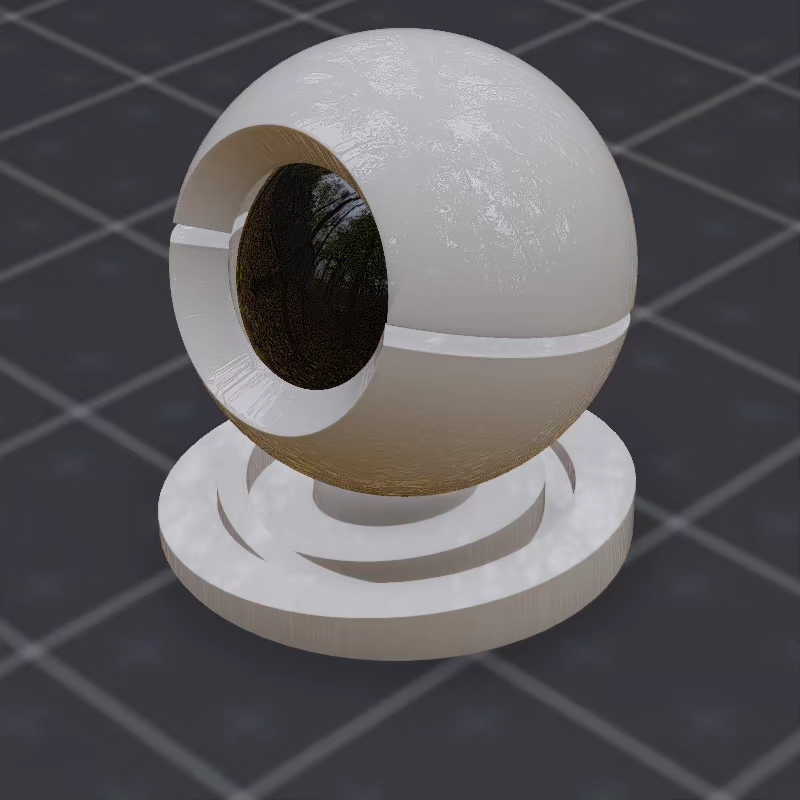
roughness: 0.0
metallic: 0.0
Ambient Occlusion
Simulates shadowing in surface crevices and contact areas.
ambientOcclusion
float
Default:1
Intensity of ambient lighting on surface
ambientOcclusionTexture
texture
Default:White
Texture map for ambient occlusion
Ambient occlusion is typically baked into textures to simulate shadowing in surface crevices and contact areas where ambient light doesn't reach.
Emissive
Makes surfaces emit light.
emission
color
Default:[0,0,0]
Light emitted by surface
emissionTexture
texture
Default:White
Texture map for emissive areas
emissionIntensity
float
Default:1
Multiplier for emission brightness
Use emissive properties for:
- LED displays and screens
- Neon signs
- Hot surfaces (lava, heated metal)
- Bioluminescence
Normals
Adds surface detail without additional geometry.
Requires MATERIAL_UNTEXTURED constant enabled.
normalTexture
texture
Default:Normal Z up
Normal map for surface detail and bump mapping
flipNormalTextureGreenChannel
bool
Default:0
Green channel inversion for normal map format compatibility
flipNormalTextureBlueChannel
bool
Default:0
Blue channel inversion for normal map format compatibility
Normal maps should be:
- Tangent space format
- Linear color space
- RGB channels representing XYZ directions
UVs
Controls texture coordinate transformation.
Requires MATERIAL_UNTEXTURED constant disabled.
scale
vec2
Default:[1,1]
UV texture tiling scale
offset
vec2
Default:[0,0]
UV texture offset for positioning
Use UV controls to:
- Tile textures for large surfaces
- Adjust texture alignment
- Create texture animation (by animating offset)
Opacity
Controls object transparency.
Requires MATERIAL_TRANSPARENT constant to be enabled.
opacity
float
Default:1
Opacity level for transparent materials
opacityTexture
texture
Default:White
Texture map for transparency
indexOfRefraction
float
Default:1
Light refraction amount for transparent materials (1.5 for glass)
Example
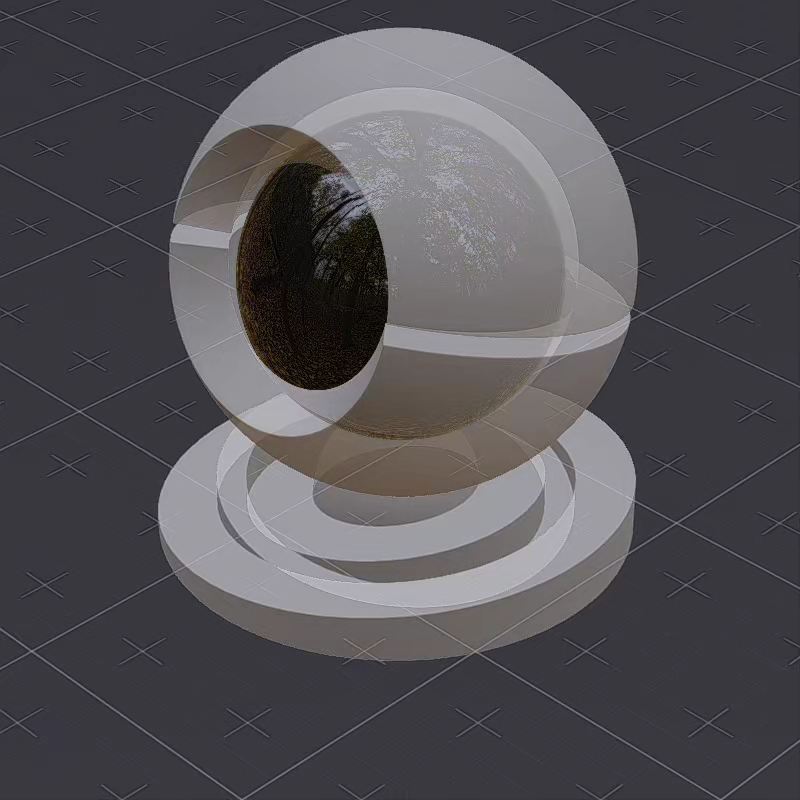
opacity: 0.25